A new ECO Mode has been introduced to reduce power consumption. To access this feature click Administration, then ECO-MODE Toggle Button (enabled).
This will turn off HDMI Input/Output processing, as well as Encoding/Decoding live streaming and USB ports on the P-AVN device. Thus lowering power utilization to minimum when in “stand-by” state, ECO-MODE = ENABLED.
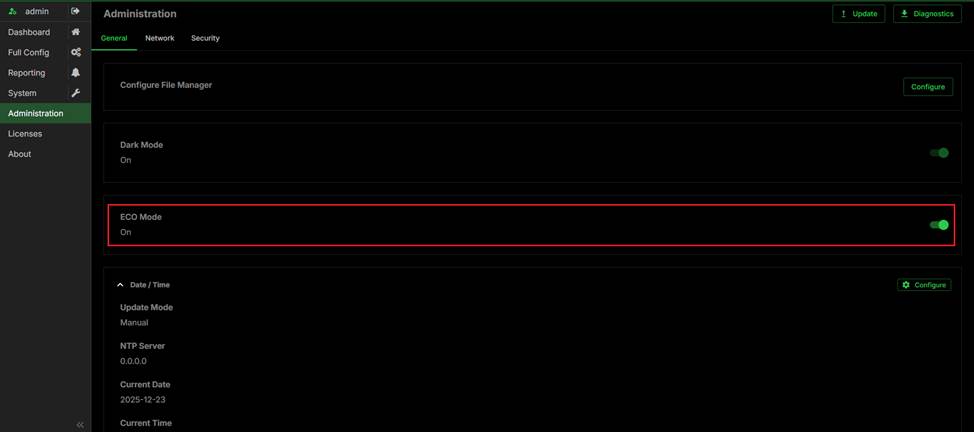
When ECO Mode is enabled:
- Only Web UI and API remain active
- The following interfaces and functions are disabled:
- HDMI input/output
- USB ports
- H.26x encoding/decoding
- Stream input/output and other unnecessary interfaces
Was this article helpful?
That’s Great!
Thank you for your feedback
Sorry! We couldn't be helpful
Thank you for your feedback
Feedback sent
We appreciate your effort and will try to fix the article